💻 Webapp Interface Overview
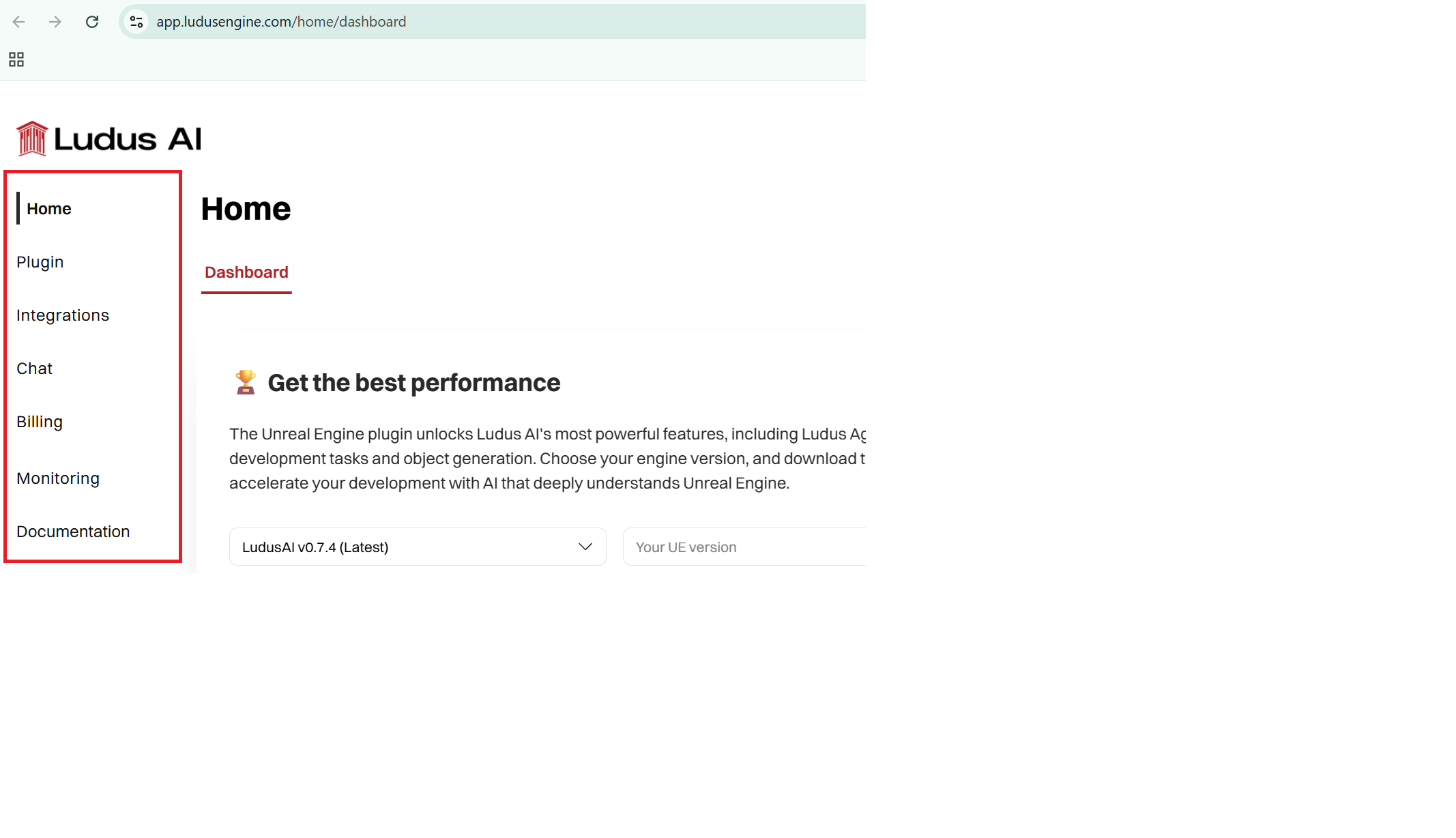
The web application features a streamlined top navigation bar that provides quick access to all core sections:
- Home: Contains a shortcut to the most important actions.
- Plugin: Includes installation instructions and gives access to download the plugin.
- Integrations: Includes instructions for integrating MCP with major IDEs.
- Chat: Access the chat interface to interact with Ludus.
- Billing: Manage your subscription, invoices, view plans, and purchase credits.
- Monitoring: Track your detailed credit usage and statistics.
You can also manage your profile, subscription and information by clicking on your profile and going to settings in the upper right corner of the screen.
Chat Features & Synchronization
How does chat synchronization work?
Chat synchronization between the Unreal Engine Plugin and the Web Application is designed to help you review your history, with specific directionality:
Plugin to Web (One-Way Sync): Conversations started in the Unreal Engine Plugin are automatically synced to the Web Application. You can view and review these chats in the web interface at any time.
Web to Plugin: Chats initiated or continued in the Web Application do not appear in the Plugin.
Web Application Chat Capabilities
The Web Application is a powerful tool for general knowledge and account management. It allows you to:
- Chat with Ludus: Interact with both Agent Lite and Agent for general Unreal Engine questions, code assistance, and documentation.
- Review History: Access and read past conversations synced from the plugin.
- No Generation Capabilities: 3D model generation and Blueprint Generation are not available in the web app. Web version of the agent has capabilities limited to UE Knowledgebase search and deep research.
For project-specific tasks, debugging local blueprints, or generating 3D assets, please use the Unreal Engine Plugin.
Billing, Plans & Invoices
Where can I manage my plan and buy credits?
The Billing section is your hub for all subscription-related actions:
Plans: View your current plan and upgrade/downgrade options.
Credit Packs: Purchase additional Credit Packs (Small, Medium, Large, Ultimate) which do not expire.
Invoices: You can access your billing history and invoices in two ways:
1. Directly via the https://app.ludusengine.com/billing/details page.
2. By navigating to Billing -> Manage Subscription, which redirects you to the Stripe Customer Portal for comprehensive invoice management.
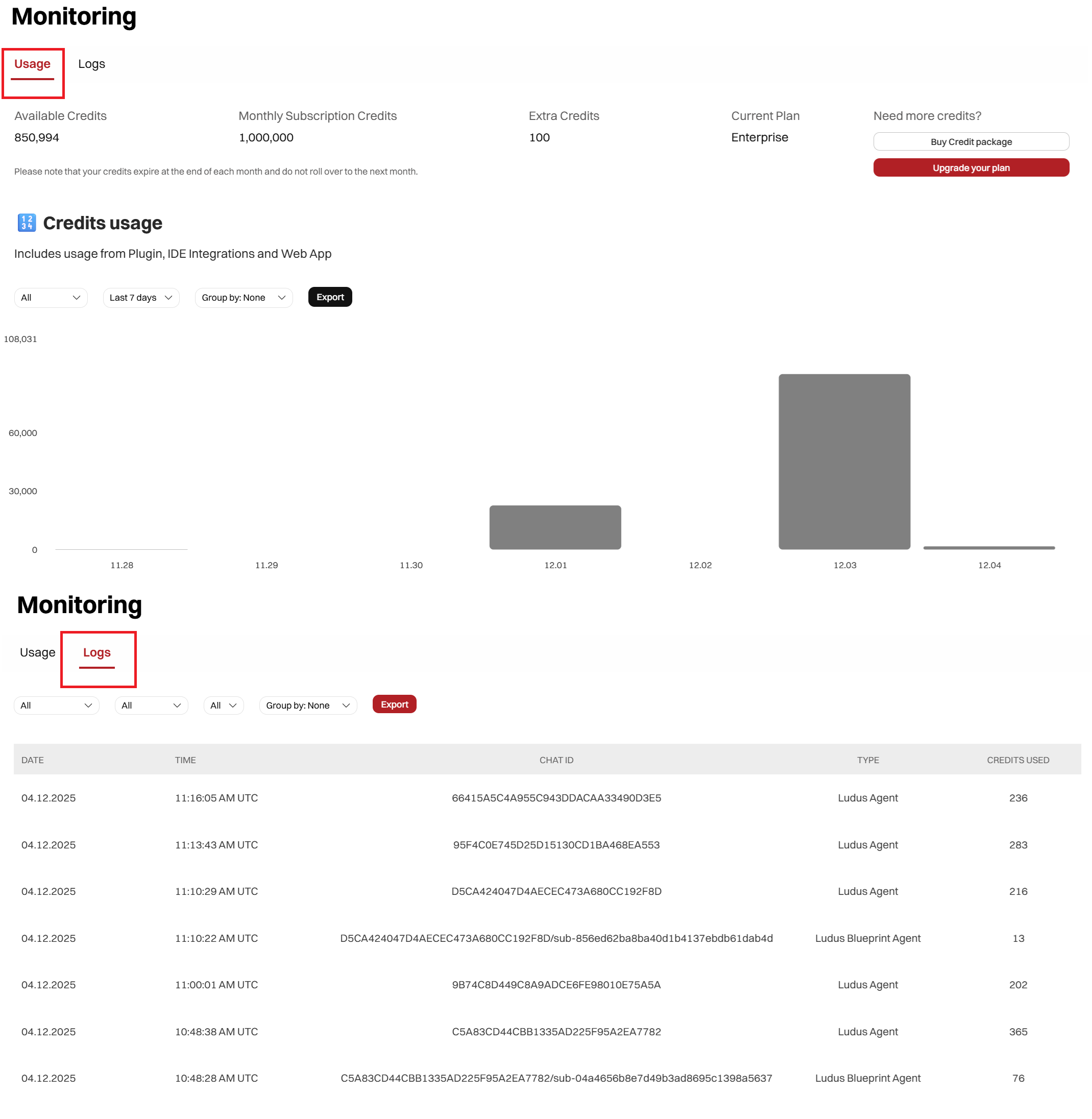
Usage Monitoring
To maintain full transparency over your account, we provide a detailed monitoring dashboard.
Visit https://app.ludusengine.com/monitoring/usage to see exactly how, when, and where your credits are being consumed.