🧊 3D Model Generation
3D Model Generation is a powerful feature available on paid plans (Indie, Pro, Enterprise) and Trial through both Agent Lite and Agent modes. This feature is accessible via the Unreal Engine plugin.
This feature allows you to create custom 3D models directly from text descriptions or uploaded images. After a model is created, it is placed in your scene as a placeholder, ready for you to position, rotate, and scale while the final geometry processes in the background.
The "Image-First" Workflow
Ludus AI utilizes a two-step process to ensure higher accuracy and control over your 3D assets.
- Reference Image Generation: When you request a 3D model, Ludus first generates a 2D reference image based on your prompt.
- 3D Model Creation: Once the image is generated, Ludus automatically begins creating the 3D model based on that reference. It might take a few minutes.
Note: If you only wish to visualize ideas without creating a mesh, you can ask Ludus to "generate an image only." In this case, no 3D model will be created, and you will only be charged for the image generation.
Iterating on Designs
Because the 3D model is based on the reference image, you have full control over the aesthetic before the final asset is made.
- Iterate on the Image: If the initial reference image isn't quite right, you can ask Ludus to modify it (e.g."change the style to cyberpunk") before the 3D generation starts.
- Scene-to-Asset: You can generate an image of an entire room or scene first. Once you are satisfied with the visuals, you can ask Ludus to cut out specific elements from that image into individual 3D models (e.g., "now cut out the chair from that image"). This yields the best results compared to asking to generate the asset directly from the image.
Using Your Own Images
If you already have concept art or a reference photo, you can upload it directly to the chat. Ludus will skip the image generation step and create a 3D model based strictly on your uploaded file.
Prepare Image: You can also ask Ludus to "prepare image for asset generation." This takes in any image and outputs a version optimized for 3D usage, ensuring the best possible generation quality.
Generation Modes and Costs
Ludus AI offers different generation modes optimized for specific asset types. The total cost of a generation depends on the mode selected and whether Ludus generated the reference image or you uploaded one.
Reference Image Cost: 200 Credits
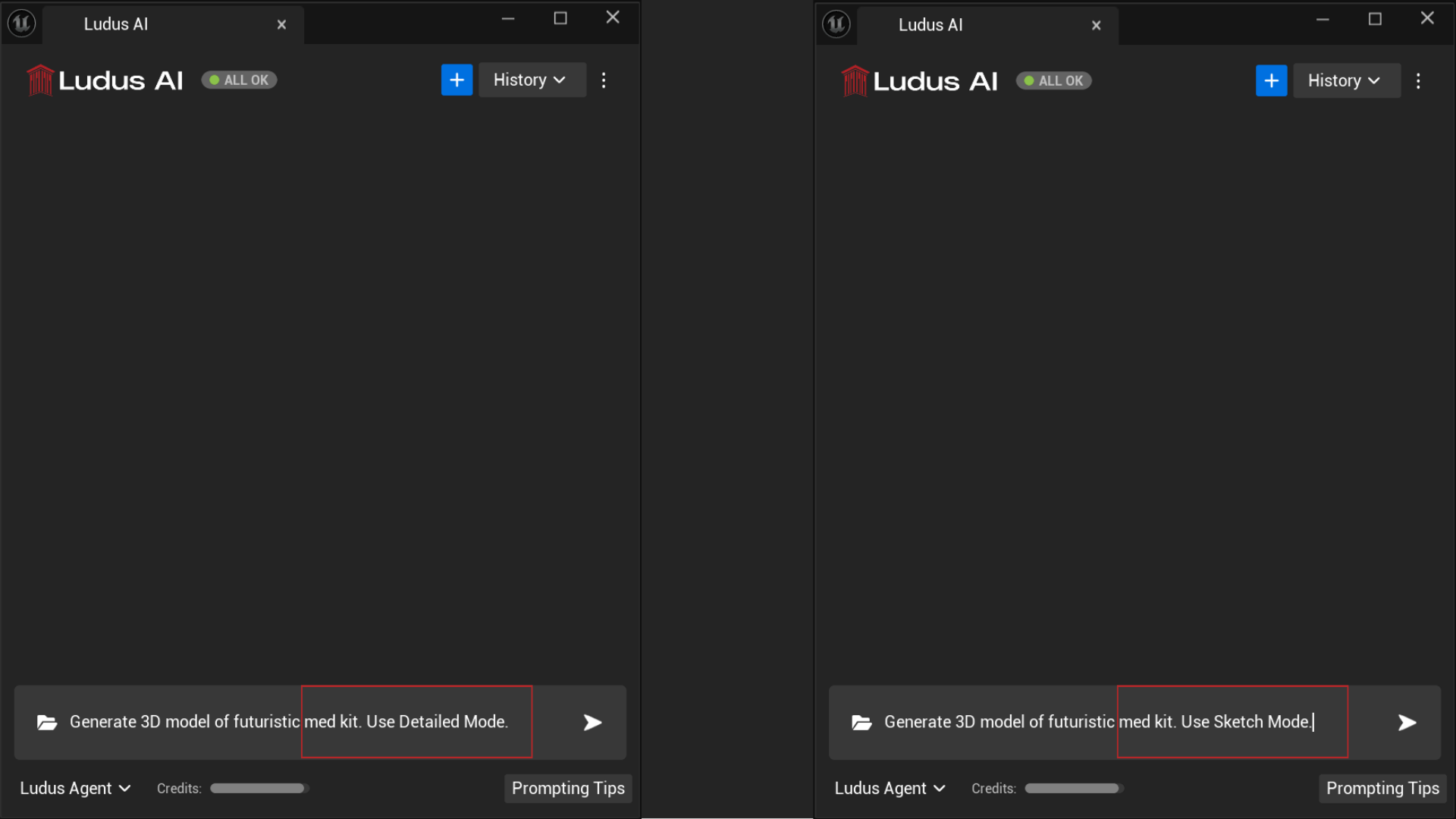
1. Sketch Mode
Best for stylized game assets, low-poly items, or simple shapes. Less suited for photorealism.
- 3D Model Cost: 1000 Credits
- Total Cost (with generated image): 1200 Credits
2. Default Mode
A balanced option that works best for characters, creatures, and organic shapes. It produces clean geometry and handles complex forms well.
- 3D Model Cost: 1800 Credits
- Total Cost (with generated image): 2000 Credits
3. Detailed Mode
Best for high-quality props and hard-surface objects requiring intricate details and HD textures.
- 3D Model Cost: 1800 Credits
- Total Cost (with generated image): 2000 Credits
Quality Settings
In addition to the generation mode, you can specify the final resolution of the model's mesh and textures by requesting "low," "medium," "high," or "ultra" quality. These settings determine the fidelity of the output but do not affect the credit cost.
Licensing and Ownership
You have full ownership of the content you create with Ludus AI. You are free to use all generated images and 3D models for both personal and commercial projects without restriction.
Workflow Summary
- Select Mode: Use either Agent Lite or Agent mode (3D generation works with both).
- Prompt: Give Ludus a task (e.g., "Generate a 3D model of a sci-fi crate").
- Visual Confirmation: Ludus generates a reference image first.
- Placement: A spinning placeholder appears in your scene.
- Completion: As long as the placeholder is spinning, the model is generating. Once finished, the placeholder updates to the final 3D model.